
Moss
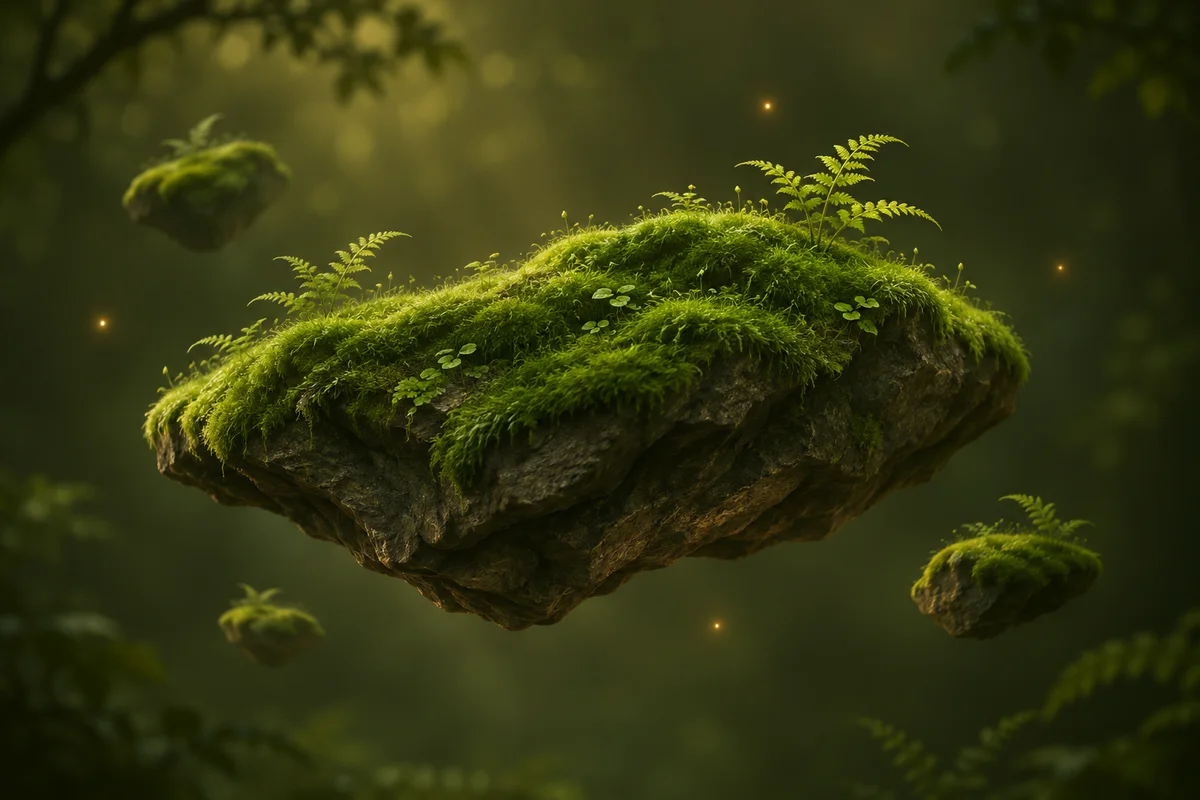
一座漂浮的苔蘚花園。繞著四顆石頭探索,輕點石頭看它在螢火蟲之間晃動。
互動展示需要支援 WebGPU 的瀏覽器與裝置。
原作:mrdoob · Codevember 2026 / 05 AI 生成示意圖
場景是怎麼做的?
在石頭上長出苔蘚
先產生石頭表面,再用固定亂數種子放置苔蘚。少量葉片造型重複使用,配上不同朝向和色調。
const point = surfacePoint(direction, true, undefined, width); const normal = surfaceNormal(direction, true, width); normal.lerp(UP, .23).normalize(); orientation.setFromUnitVectors(UP, normal); spin.setFromAxisAngle(UP, random() * Math.PI * 2); object.quaternion.copy(orientation).multiply(spin); object.scale.setScalar((.72 + random() * .6) / layout.scale); object.position.copy(point).addScaledVector(normal, -.009 / layout.scale); object.updateMatrix(); const shade = .78 + noise(point.x * 4 + 4, point.y * 4, point.z * 4) * .42; const hue = noise(point.x * 2.3, point.y * 2.3 + 8, point.z * 2.3); buckets[Math.floor(random() * variants)].push({ matrix: object.matrix.clone(), shade, hue });讓石頭回應觸碰
每顆石頭連同表面的苔蘚是一組物件。點擊後整組輕晃,再慢慢回到原位。
function pickSurface(x, y) { const rect = canvas.getBoundingClientRect(); pointer.set((x - rect.left) / rect.width * 2 - 1, 1 - (y - rect.top) / rect.height * 2); camera.updateMatrixWorld(); raycaster.setFromCamera(pointer, camera); return raycaster.intersectObjects(focusSurfaces.filter(object => object.visible), false)[0]; } function nudgeAt(x, y) { const hit = pickSurface(x, y); if (!hit || !garden.nudge(hit.object, hit.point, raycaster.ray.direction, materials.time.value)) return false; changed(); return true; }保留清楚的主角
隨視角調整清晰範圍,讓四顆石頭維持清楚,只柔化前景和遠處的林地。
render() {
  renderer.getDrawingBufferSize(inverseSize.value);
  inverseSize.value.set(1 / inverseSize.value.x, 1 / inverseSize.value.y);
  const range = focusVolume.update(camera);
  focusNear.value = range.near; focusFar.value = range.far;
  pipeline.render();
},